01
30 PRs a week cannot wait for one manual pass.
Even a 20-minute smoke test becomes 10 hours of repeated review when it runs across 30 changes. Killbug turns critical journeys into repeatable checks instead of another release checklist.
Killbug helps teams generate, run, and maintain test cases without slowing releases down.
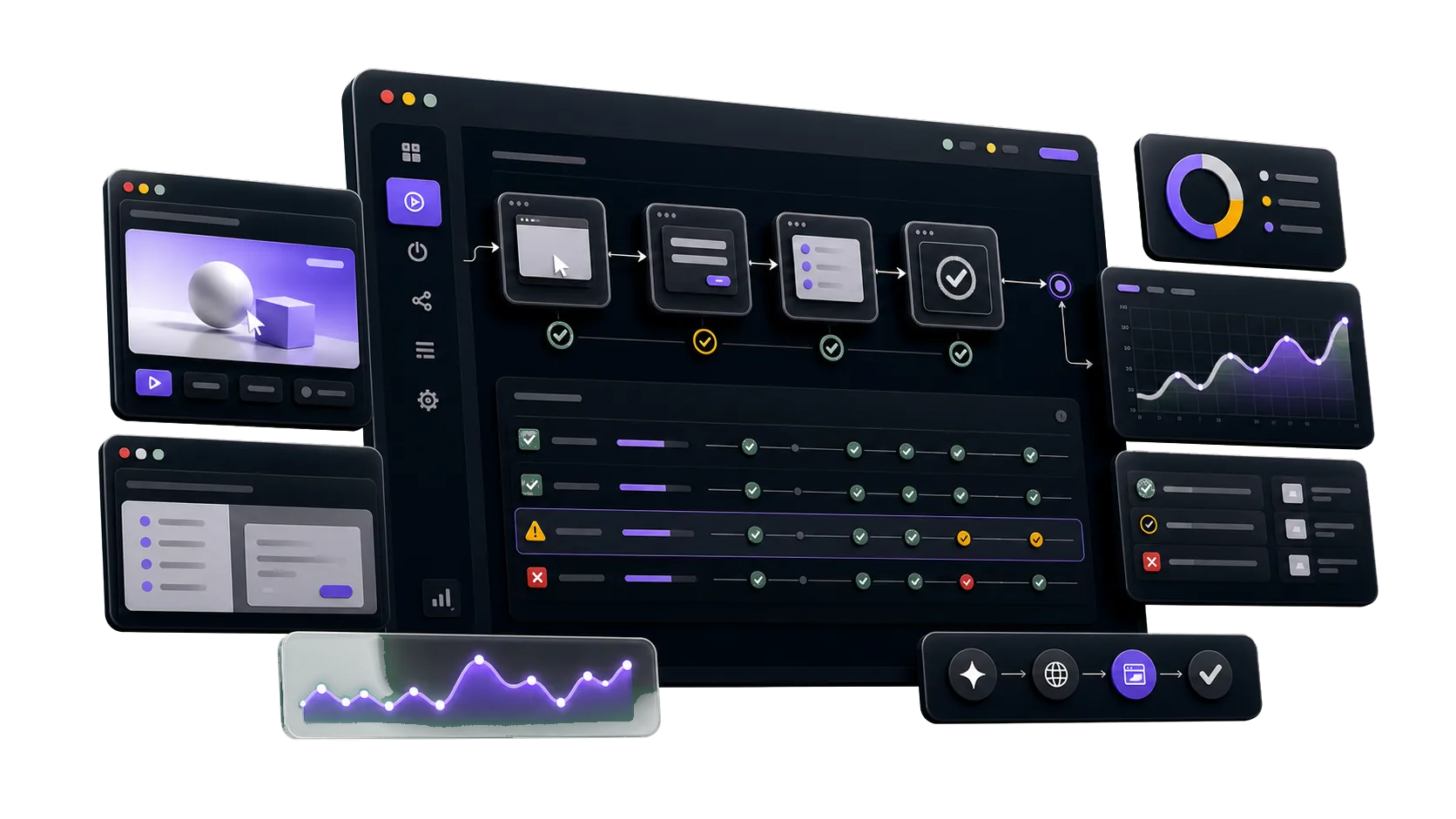
Built for AI-assisted teams and modern web stacks








Acceleration
AI agents have changed how quickly teams build and review software. Killbug changes the QA loop: agents map, automate, and run dozens of product tests in parallel before release risk piles up.
01
Even a 20-minute smoke test becomes 10 hours of repeated review when it runs across 30 changes. Killbug turns critical journeys into repeatable checks instead of another release checklist.
02
When testing falls behind the build loop, releases sit in review and engineers lose the context they had while shipping. Killbug runs product flows in parallel so teams can keep moving with facts.
03
With four people debugging, reproducing, and writing follow-up, one small regression can erase the time AI saved. Killbug keeps failures tied to recordings, steps, and issues before customers find them.
Compare
Compare the real operating cost: setup time, recurring labor, maintenance, and how fast each option turns product changes into repeatable checks.
| Compare | Killbug AI QA agents | Manual QA Release pass | Test scripts Playwright / Cypress | QA service Outsourced team | Staff aug Contractors | In-house hire Build a team |
|---|---|---|---|---|---|---|
| Starting cost | $49/mo billed annually | $30-80/hr per tester | $3K-12K/mo plus setup | $5K-25K/mo retainer | $80-150/hr contract rate | $150K+/yr loaded cost |
| Time to coverage | 1 day first checks live | 1-2 weeks checklist pass | 4-8 weeks script buildout | 4-6 weeks onboarding | 6-10 weeks ramp time | 3-6 months hiring cycle |
| Test generation | AI from flows | Manual human steps | Code engineer-written | Manual vendor-owned | Manual contractor-owned | Manual team-owned |
| Maintenance | Auto-correction review changes | Every run repeat effort | Ongoing selector upkeep | Per ticket change requests | Hourly billable fixes | Internal team capacity |
| Run volume | 150-1,200/mo AI test runs | 1x release pass | CI-bound pipeline cost | Ticket-bound vendor queue | Hours-bound contract time | Team-bound headcount |
| Contract | Monthly start small | None but repeats | Internal engineering time | 6-12 mo vendor term | 3-6 mo contract term | FTE long-term |
Pricing
Every plan includes AI test case creation and automated runs. Upgrade for advanced models, integrations, and greater workspace capacity.
For a single product getting started with AI testing.
$588 billed annually
2 seats included
Includes:
For teams automating release coverage together.
$2,028 billed annually
5 seats included · +$20/seat · 20 max
Everything in Starter, plus:
For high-volume QA across multiple products.
$4,068 billed annually
10 seats included · +$15/seat · 20 max
Everything in Team, plus:
For organizations with custom security and scale needs. Custom models, integrations, onboarding, and SLA options are available.
Customer stories
Teams use Killbug to keep release-critical journeys visible, repeatable, and easier to debug as product velocity increases.
"We recorded our invite, billing, and role-change flows in an afternoon. The first scheduled run caught a permissions regression before our release review."

Maya Chen
Product Lead, B2B SaaS
"Our support team kept seeing checkout edge cases before engineering did. Killbug gives us the recording and failed step, so triage starts with evidence."

Jordan Lee
Engineering Manager, Marketplace
"We are still changing onboarding every week. Being able to add coverage without writing a new test suite has made QA part of the shipping rhythm."

Nina Patel
Founder, Workflow Automation
"The regressions that hurt us are usually account setup, permissions, and reports. Those are exactly the flows we now run before every weekly release."

Alex Ramirez
Head of Product, Vertical SaaS
"Our Monday smoke check used to be a spreadsheet and a screen share. Now we review failed browser runs with recordings and assign the real fixes faster."

Aisha Brown
QA Lead, Developer Tools
FAQ
Yes. Killbug is built around product journeys, so product, engineering, support, and QA teams can describe the flows they already understand without writing Playwright scripts.
Teams can write steps manually, import existing coverage, record a browser session, or let AI explore the product surface and propose critical journeys.
Credentials live at the project level. Test Cases can reuse the right account context without putting usernames, passwords, or session details inside every flow.
Killbug keeps the failed step, recording, run details, and linked issue together so the team can decide whether it is a real regression and close the loop quickly.
Yes. Teams can configure recurring runs for critical workflows in a test plan, review the latest result history, and get notified when a customer-facing path starts failing.
Not usually. Killbug is designed to cover the flows that change often or get missed between releases, while your existing manual review, unit tests, and end-to-end suites keep doing their jobs.
Most teams can create a project, add credentials, record a browser flow, and create their first recurring test plan in one session.
Killbug focuses on turning real product journeys into repeatable browser checks with run history, issue context, and team-friendly triage instead of asking every workflow owner to maintain code.
Start with your critical flows
Create a project, add the account context, and let Killbug keep checking the paths your team cannot afford to miss.